
Why Screenshot Quizzes Are the Internet’s New Playground
Back in the day, screenshots were just for saving passwords we’d forget by Tuesday. Now? They’re our receipts, our artifacts, our little time capsules of chaos. When you pair those screenshots with viral moments, your feed becomes a scavenger hunt — the kind people play on the train, in bed at midnight, or while pretending to pay attention at work.
In 2026, these “what moment is this?” posts are everywhere. Short-form screenshot quizzes are seeing 40–60% higher engagement than regular content. Why? Because people crave something quick, nostalgic, and competitive — and these games check all those boxes.
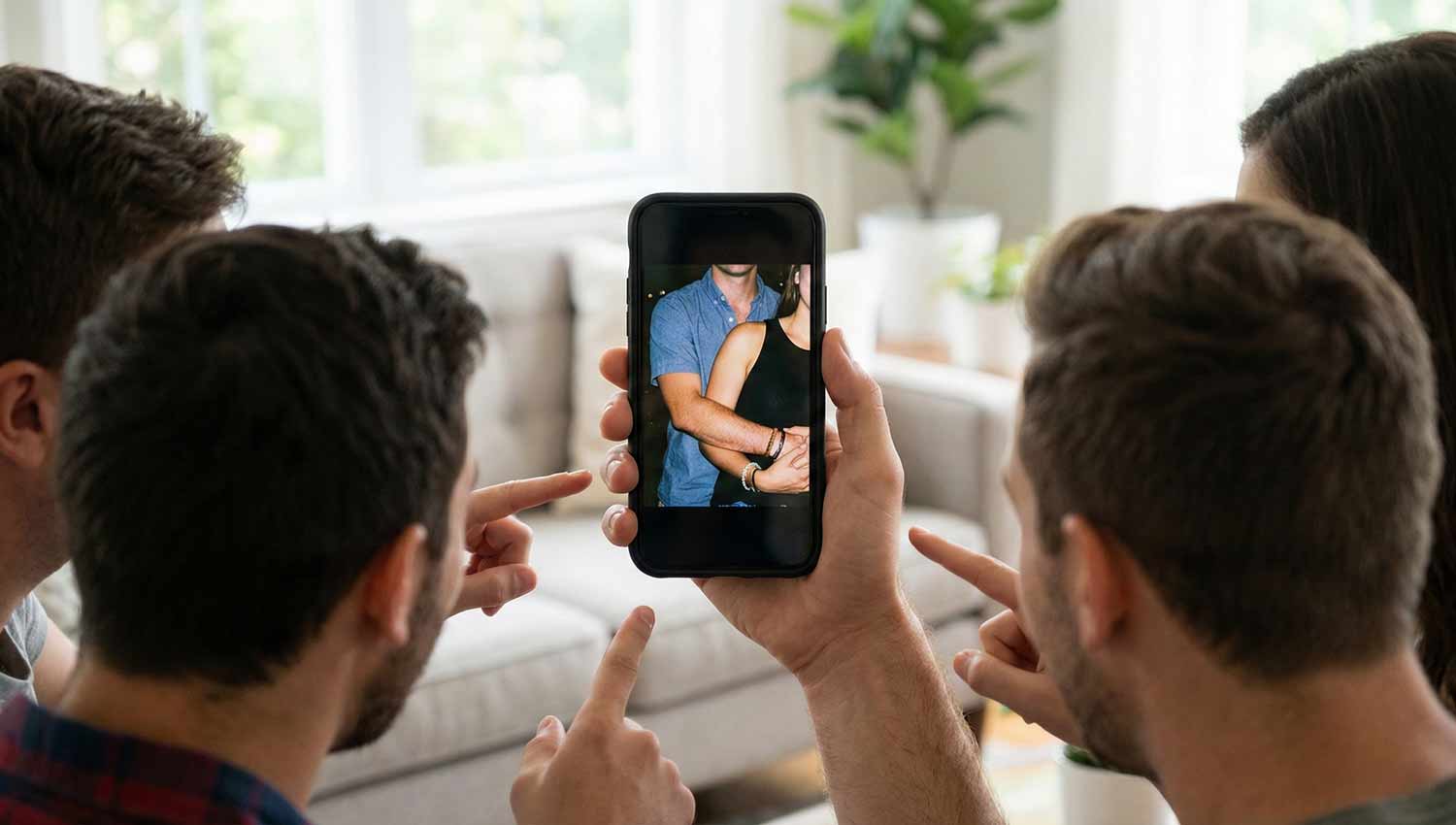
The Anatomy of a Screenshot Game Post
A great screenshot quiz is:
- Simple, so people get it in half a second
- Visually intriguing, with a mysterious crop or blur
- Clickable, because it invites guesses and shares
- Scalable, with difficulty levels like “Hard Mode”
Core elements to include:
- A bold headline (“Guess the Moment” / “Name This Chaos”)
- A tightly cropped screenshot — just enough to tease
- Optional difficulty badge
- Clean, readable font
When done right, it’s the digital version of saying: “You remember this, right?” — and people send it to their friends just to confirm.
Template Ideas to Kick Off Your Game
Here are some prompt ideas that tap into nostalgia, viral culture, and shared chaos:
- “Guess the viral meme moment 🤯”
- “Name this internet-breaking screenshot 💥”
- “Which global meme wave is this? 🌊”
- “Identify the trend that had us all losing it 😂”
- “Guess the screenshot that broke the internet for a week 🔥”
These kinds of prompts are irresistibly tag-worthy — people love proving they were there for the moment.
Categories to Organize Your Chaos
Chaos becomes less chaotic when it’s themed. Here are categories that help players pick their lane:
- TV / Movies — guess the scene
- Memes — spot the genre
- Celebrity Moments — name the event
- Viral Audio — match the screenshot to the sound
- Platform Origin — which app did it explode on?
- Challenges — internet dares and viral moves
- Reaction Memes — guess the feeling
- Pop Era — place it in time
- Fandom Moments — for the superfans
- Chaos Category — pure internet drama

Game Formats That Actually Work on Social
Interactive is the name of the game. These formats make screenshot quizzes sticky:
- Polls — “Which moment is this?”
- Sliders — “Chaos level: 1–10”
- Countdowns — build suspense
- Carousels — reveal more context gradually
- Duets on TikTok — let people respond with their own guesses
- “Tap to reveal” Stories — Instagram-style mystery
A little progression (easy → medium → hard) goes a long way in keeping people swiping / tapping.

Sample Prompt Buckets
Pop Culture Moments:
- “Guess the Euphoria frame 💜”
- “Which Stranger Things scene is this?”
- “Which Barbie movie screenshot is this?”
- “Name this Beyoncé era 🐝”
Reaction & Meme Challenges:
- “Which iconic reaction face is this?”
- “Guess this SpongeBob meme screenshot 🍍”
- “Which Kermit moment is cropped here? 🐸”
TV / Movie Scenes:
- “Guess this Friends moment ☕”
- “Name the Breaking Bad frame 🧪”
- “Spot the Harry Potter screenshot ✨”
Internet Drama / Drama Chaos:
- “Which deleted tweet caused a meltdown?”
- “Name this notes-app apology 📝”
- “Identify this comment-war screenshot 🔥”
Celebrity / Music Trivia:
- “Guess this Beyoncé tour moment 🐝”
- “Which Grammy reaction is this?”
- “Identify this Taylor Swift lyric screenshot 💙”

Difficulty Levels: Easy, Medium & Hard Rounds
Create tiers to cater to different audiences:
- Easy: obvious meme, bold pop moment
- Medium: tricky TV scene, half-cropped reaction
- Hard: identify using only colors or audio frame, no context
Labeling the harder rounds “Hard Mode” makes them feel like a challenge people need to accept.
Why These Games Work — From a Trends Perspective
- Pattern recognition: Our brains love filling in gaps.
- Nostalgia: These clues transport people back.
- Low cognitive load: It’s visual, quick, and light.
- Competitive spirit: Friends tag friends.
- Collective memory: It’s not just your moment — it’s our moment.
Pro Tips to Make Your Game Go Viral
- Pick screenshots that everyone will recognize.
- Crop smart — hide enough to intrigue, not frustrate.
- Use bold, punchy prompts.
- Weave in trending sounds (especially on TikTok).
- Use carousels on Instagram to build mystery.
- Post when people are relaxed: evenings, weekends.
Why I Love These Screenshot Games
Screenshot quizzes are the digital party games of 2026 — warm, communal, and playful. They don’t ask you to be serious. They just ask you to remember. And in a world full of noise, that feels like a small, shared moment of clarity.
Recognizing a screenshot isn’t about being “in the loop” — it’s about proving you lived through the meme. And yeah, that feels pretty good.


Leave a Reply